Is this connected to my brokerage account?
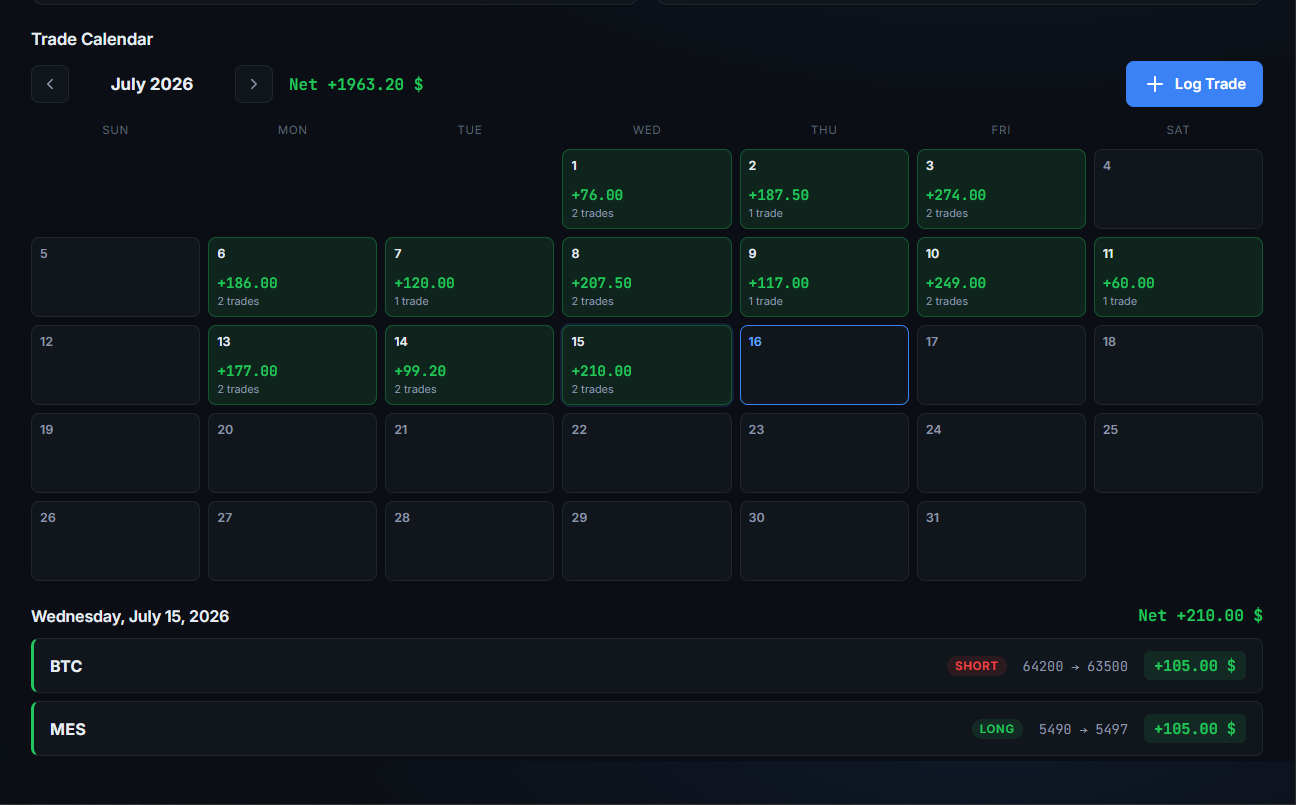
No. Trading Journal is 100% manual, by design — you log the trades
you want, on your terms. No API keys, no brokerage credentials, ever.
What can I track?
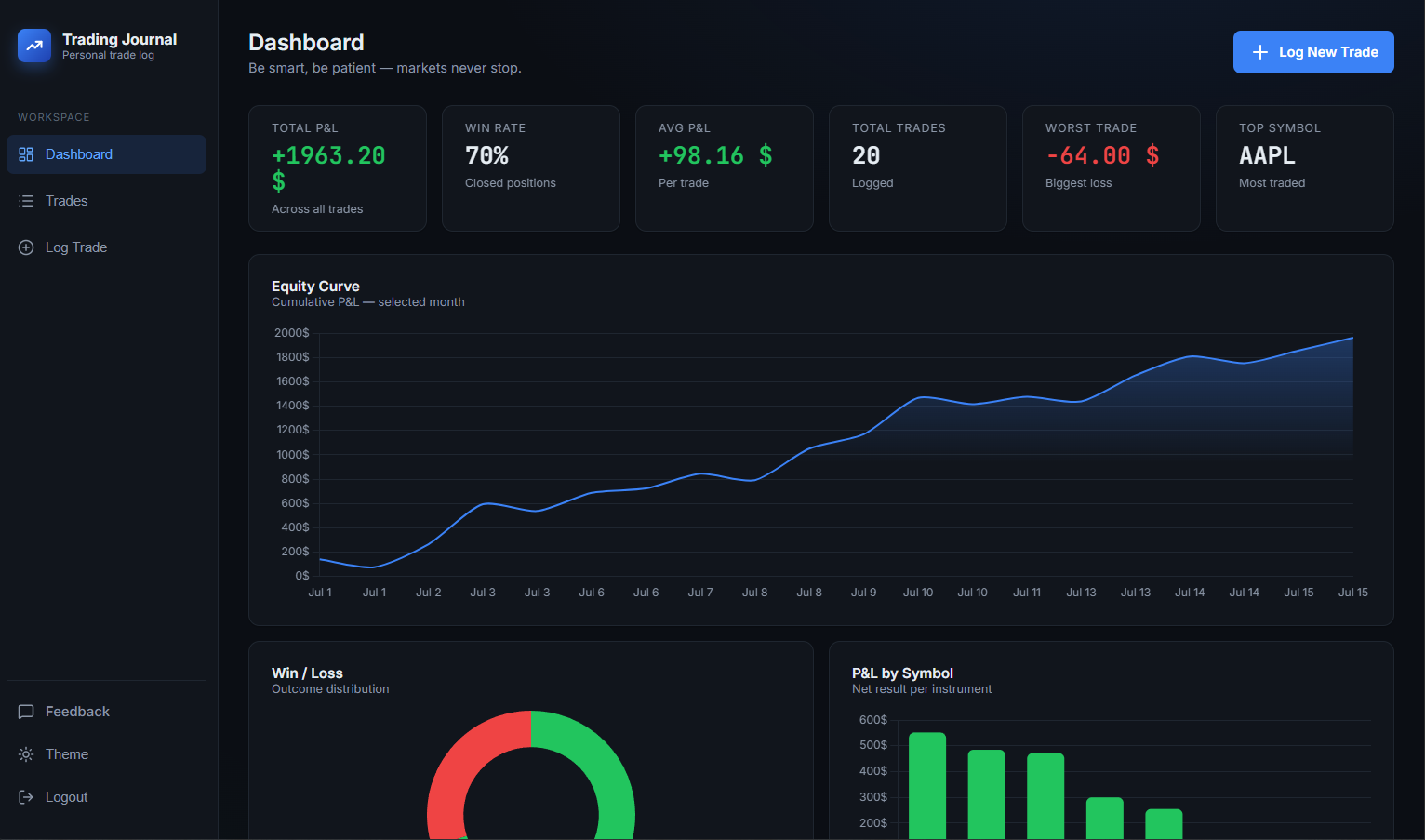
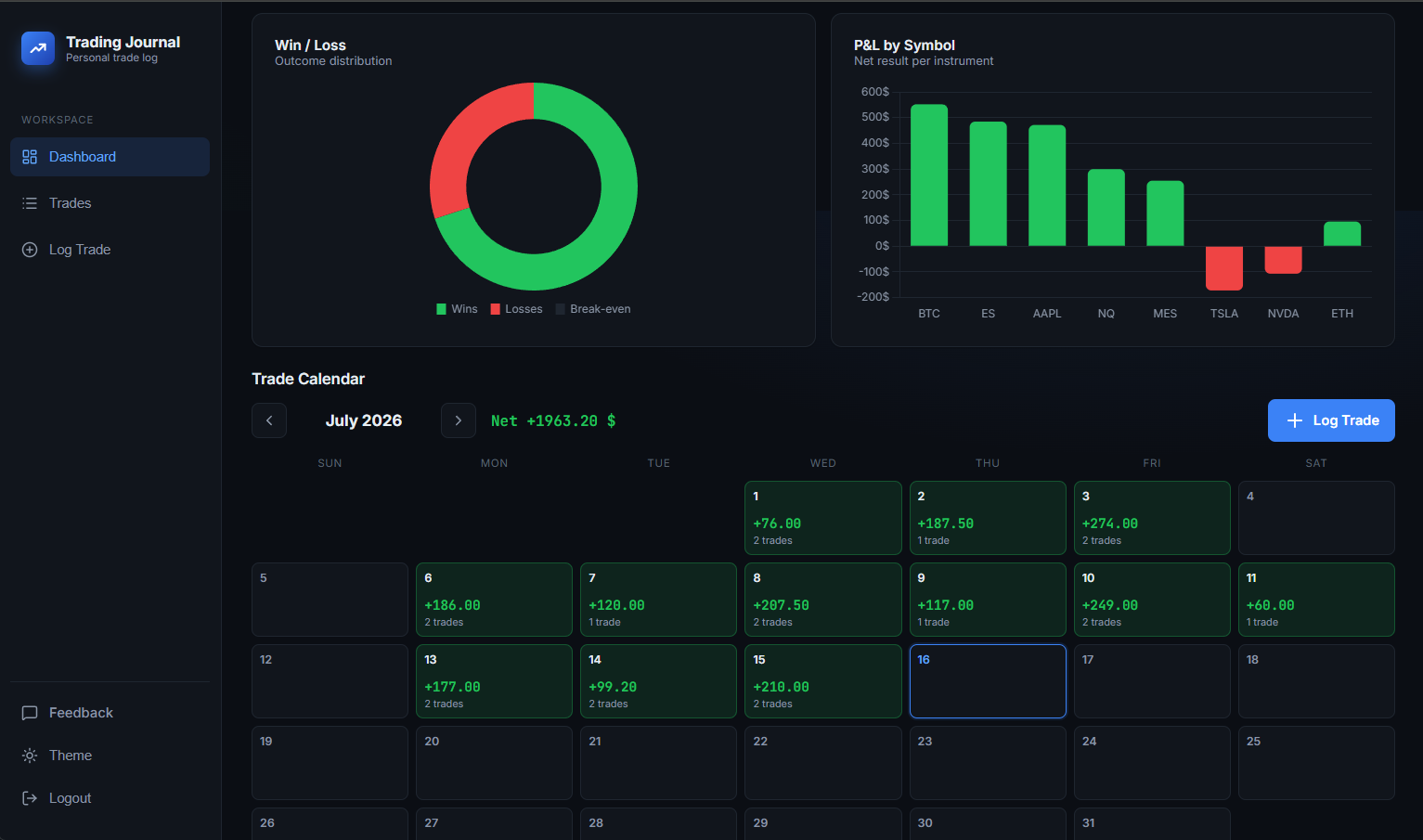
Anything you trade — stocks, crypto, options, futures (minis and
micros included). Because P&L is entered manually, nothing is
forced into a formula that doesn't fit your instrument.
How does the “describe it” entry work?
You write (or dictate) what happened, and we use it to pre-fill the
normal trade form — symbol, prices, times, and your notes. Nothing is
saved until you've looked it over and hit save, so a misheard number
is something you fix, not something you discover later.
Does my voice or trade text leave my device?
Your voice never does — speech is transcribed by your own browser, and
no audio is ever sent to us or stored. The resulting text is sent to
Anthropic's API purely to pull out the form fields; it isn't used to
train models, and P&L is always calculated by us, never by the AI.
Can I attach chart screenshots?
Yes — up to two images per trade (PNG, JPEG or WebP). They're stored
privately and only ever visible to you, through links that expire.
Do I need a credit card to start?
No. Start your free trial with just an email or your Google
account — no card required.
What happens after my trial?
Your trial includes 15 days or 15 trades, whichever comes first.
After that, plans start at $7.99/mo as a founding member — see
Pricing for full details.
Can I cancel anytime?
Yes. There's no long-term contract — cancel whenever you like and
you won't be charged again.
Is my data private?
Yes. Your trades are yours. We don't sell your data, and you can
request deletion at any time.
Can I export my data?
Yes — it's your data. If you ever want a full export of your trade
history, just reach out and we'll take care of it.